
Personally, I have never heard of UI/UX until very recently. So I am writing this article under the assumption that my audience is in the same boat that I was in.
UX stands for user experience design. UX is a design process in which easy to use products (digital/physical) are developed. UX helps customers have a good experience while they’re using a product, which will keep them loyal to the brand in the future.
To break it down even further user experience is the relationship between people and a product while user experience design is the relationship between the feelings/needs of people and the product.

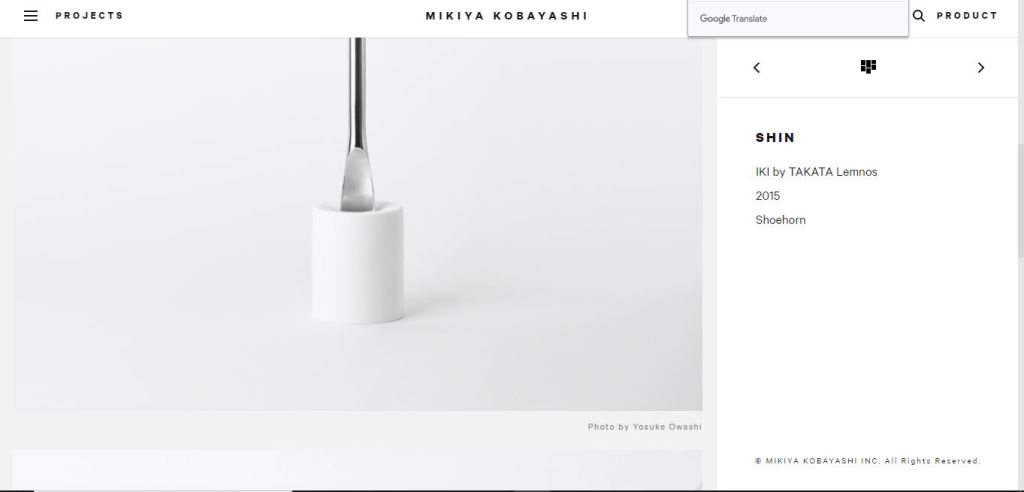
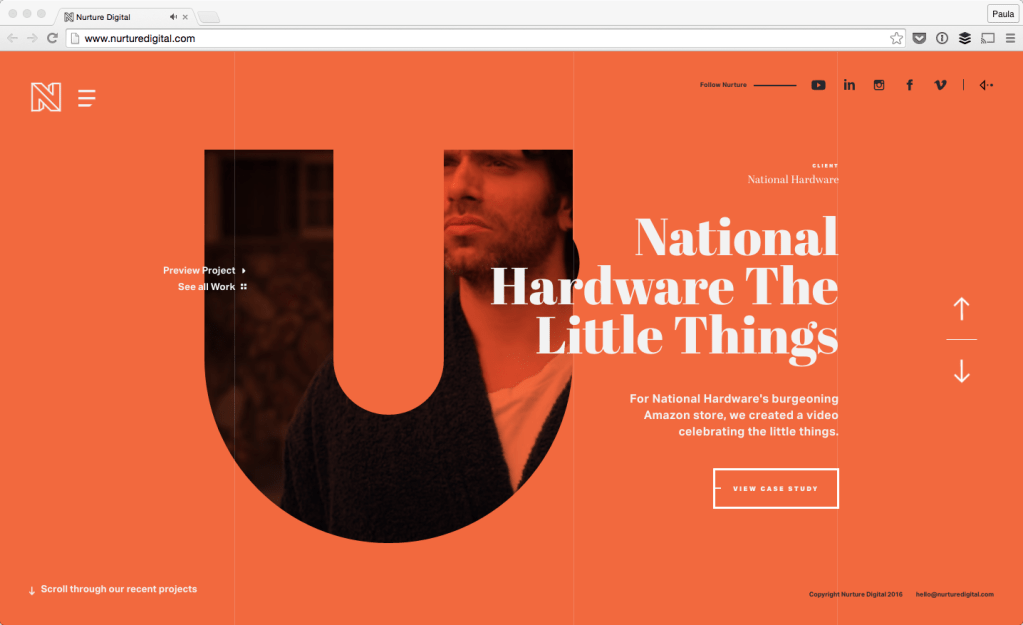
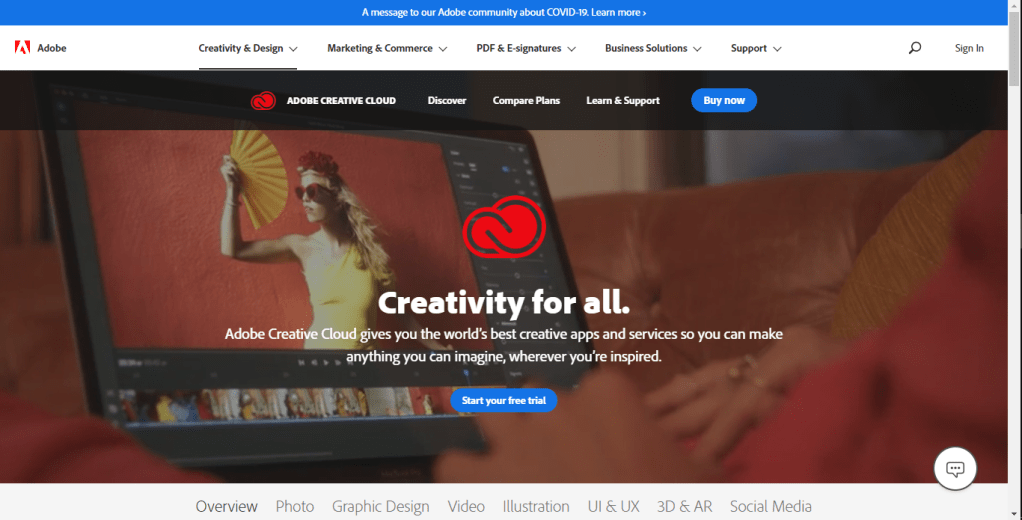
Moving on, UI stands for user interface design. Since we already know what the “U” stands for, I’m to skip ahead a little and jump right into explaining interface-design. An interface is something that allows a person to directly interact with an application/design. Interface-design however is another designing process, which creates the style and overall presentation of a software.
Unsurprisingly, these two get mixed up quite often. But there is an easy way to tell the difference between these two, UI is the design and UX is the foundation. However, that doesn’t mean you can have one without the other. Like a PB&J, you can’t have one without the other, it just doesn’t make sense. UX designers solve all the problems that a user might have and UI creates interactive visual aesthetics.
After the UX/UI has been established, the next step is to move onto A/B testing.

A/B testing is a trial, where you compare app/product performance and customer satisfaction. If you have ever gone to a Starbucks and had a limited edition drink that is an example of A/B testing. The barista observes to see whether or not the customers enjoyed it more than their current products, and if satisfaction is high they might add it to the menu.
A/B testing helps with separating ideas that work and ideas that don’t. And through the combination of getting every single idea that works and adding it to your product, creates something that consumers would actually like. All guesswork is therefore nulled and instead converted into a solid plan.
For anyone who wishes to pursue this as a career or is interested, there are a lot of job openings. I realize that the biggest worry in the design field is if there are enough jobs/openings, and just about everyone needs designers and testers so I’d say it’s a pretty good choice.
Until next time, see ya











 Apple's blog