
Computers are the future. So, it’s important that we learn about them.
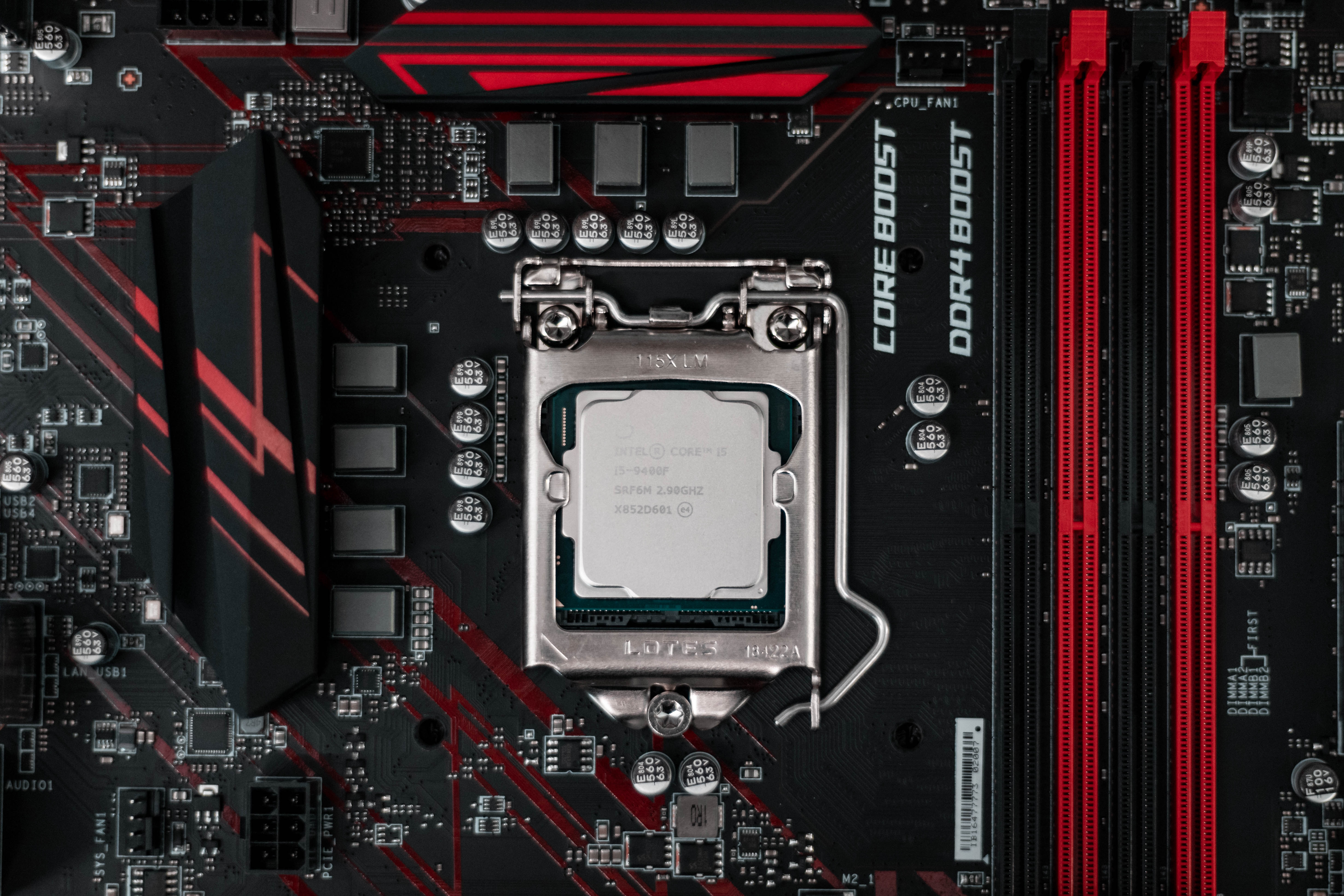
What Is A CPU?
This little square you see in the image above is called a CPU (Central Processing Unit). Now don’t freak out, I will explain what that really means. This device is the manual for your computer. It provides instructions and helps to pass on that information to the other chips in your computer, making everything functional. Simple right? This tiny square is the brain to your computer. If you would like to know where your tiny computer brain is, take a look at your computer tower, it will either be on the bottom or the side depending on design.
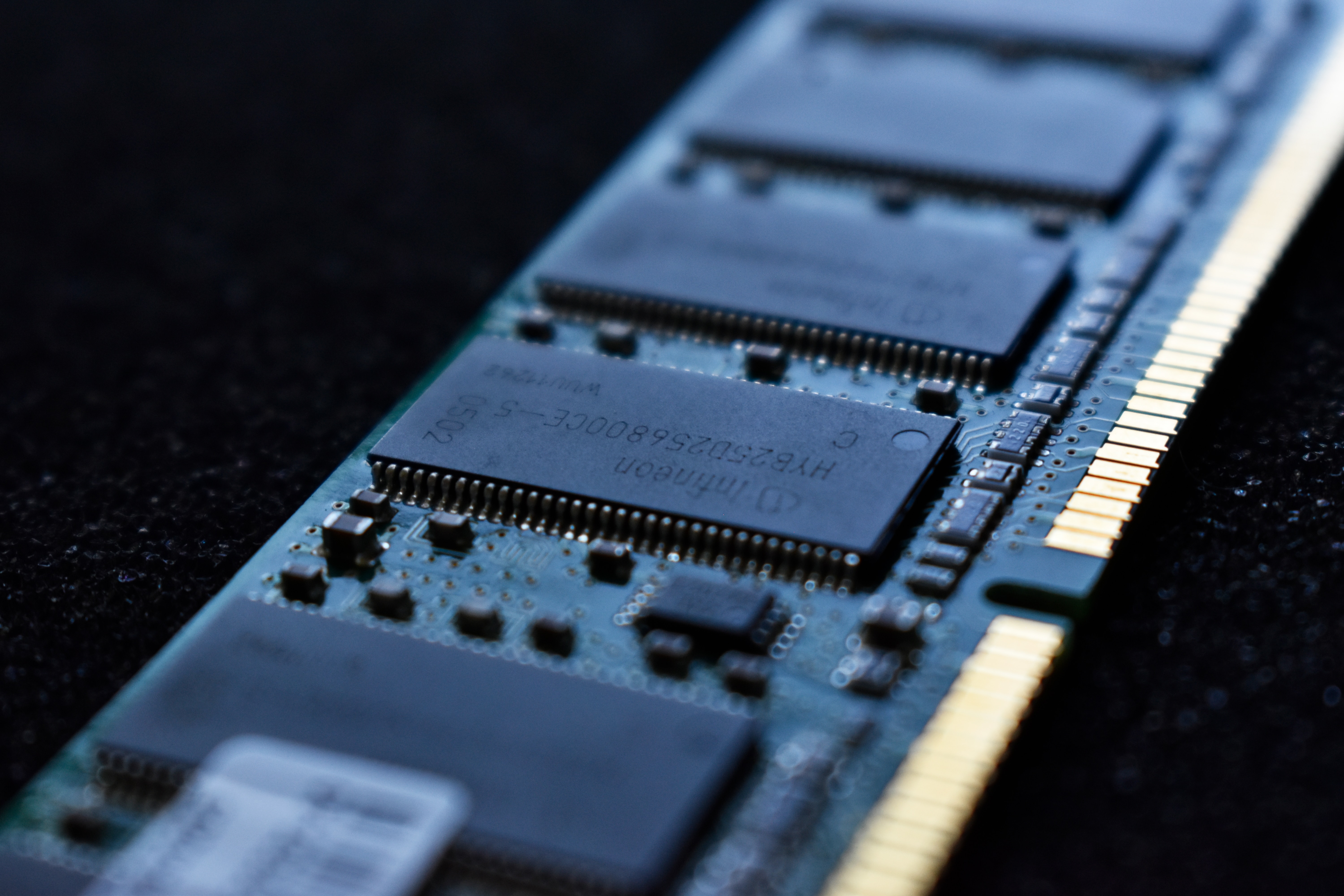
RAM? Like the Animal? No.
If we take a look deeper into what makes up a computer we will see a a rectangular circuit board. Here is the RAM (Random Access Memories) where all the memory of your computer is held. I can’t think of a better way to say this than an example from Crucial (a manufacturer of RAM), RAM is your computer’s short-term data storage. In this article at Crucial, they explain in depth a little more about how RAM works.

Hard Drives!
This topic makes my life a little easier. Everyone’s heard of Hard Disk Drives (HDD) before, right? No? Well that makes sense, you’re here to learn after all. So, jumping right into it hard drives are a device that is used to save files from your computer, in case you want to transfer it to another computer or if you just want to make a copy. There are two types of hard drives, External like the one in the picture with the orange case or Internal ones that reside inside the motherboard area of your computer. Every computer has an Internal hard drive, but External drives are more portable than carrying your computer everywhere you go.
How Hard Drive Storage Works
The storage of a hard drive works in terms of gigabytes, megabytes, terabytes etc. These three units are the most common ones heard in daily life. A gigabyte would get a couple hundred web page tabs and about maybe twenty hours of browsing time. A megabyte would get you maybe four hours of YouTube, streaming sites like these devour megabytes. And terabytes would be extremely helpful if you work in Adobe Software, they’ll provide more than enough room for your files. So, wrapping this up, the smallest form of data would be megabytes which can be used for everyday things, a gigabyte if you’re getting a little more serious than your everyday things, and terabytes if you’re going to work on bigger projects that require more storage.
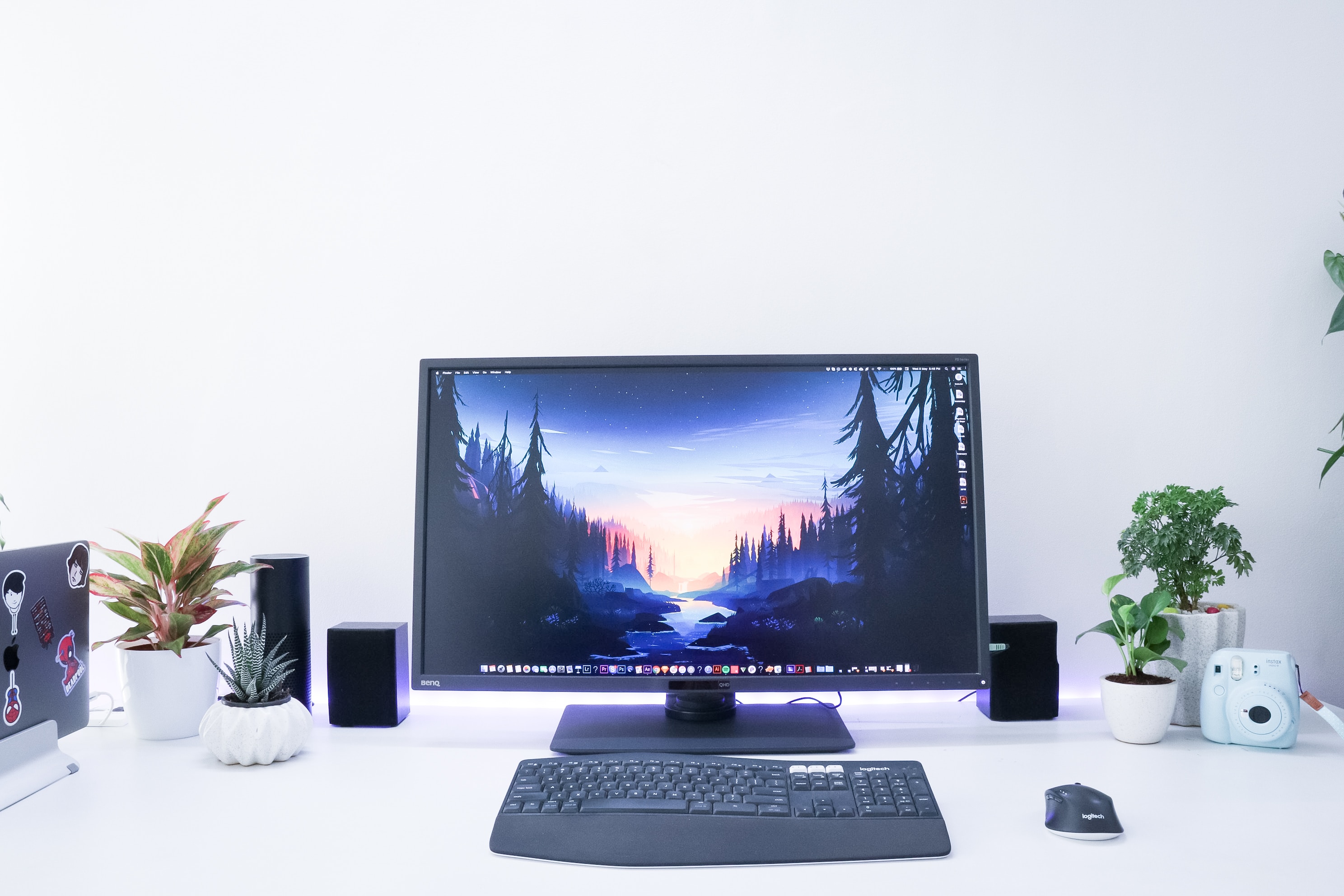
Monitors
Monitors make the world go ’round! Or at least my world. A monitor my dear friends, is the screen you are looking at to read this very blog. Thankfully, due to discoveries during the 1960’s we can now enjoy thin high-resolution monitors called LCD’s. There are other monitors, but this seems to be the most common type of monitor, so we will ignore the other types. LCD stands for Liquid Crystal Display, meaning that in between the two glasses of a monitor lies some type of crystal material. A back light in the computer works its magic by creating light as electric currents pass and refract off the crystal to make all these pretty colors.
Congrats! You have officially learned key parts that make up the ‘body’ of your computer.
 Apple's blog